.png)



.png)

.svg)
Autonomous Optimisation
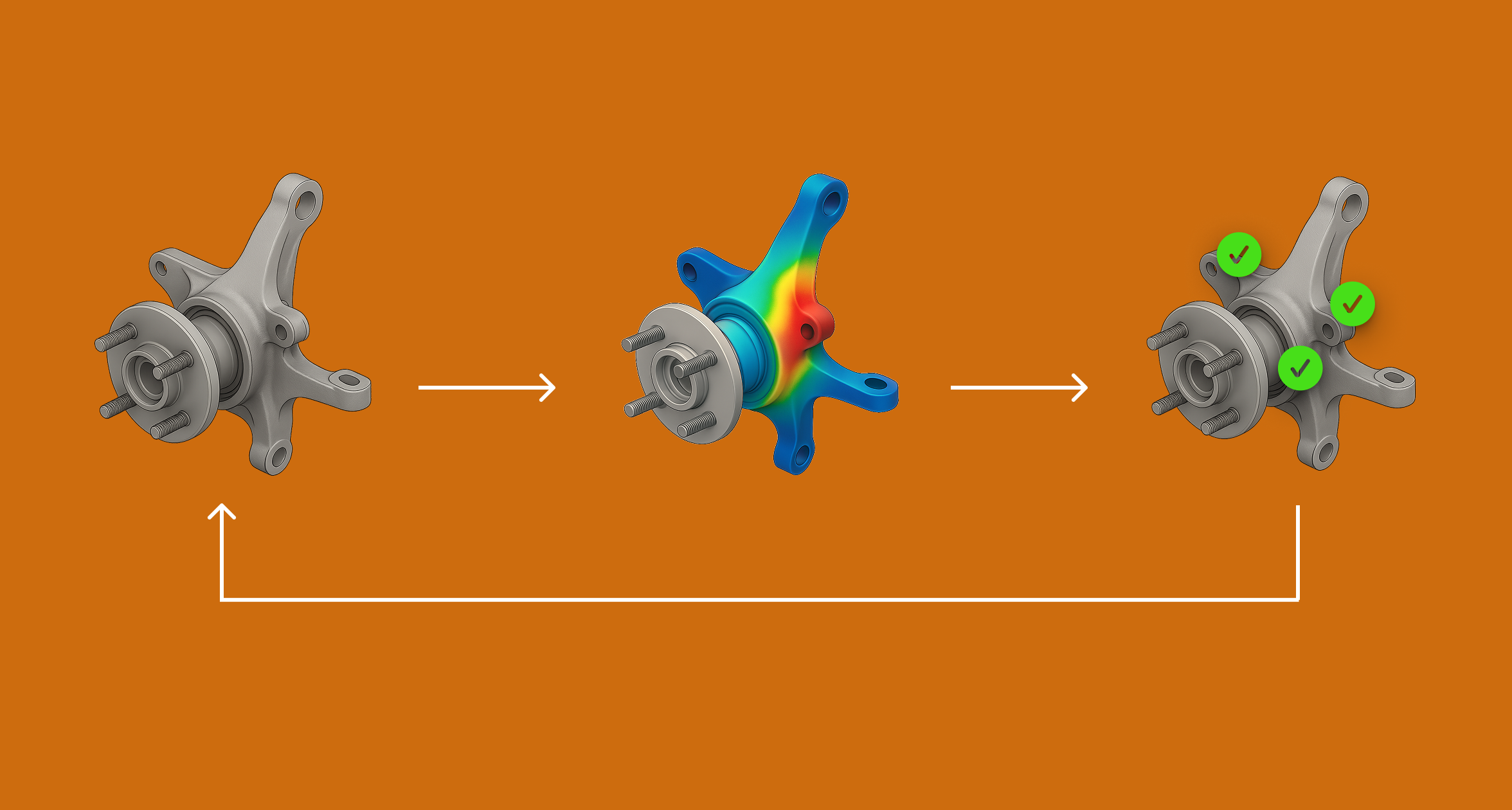
Automate the design-simulate-validate cycle and run optimisation in hours, not days.
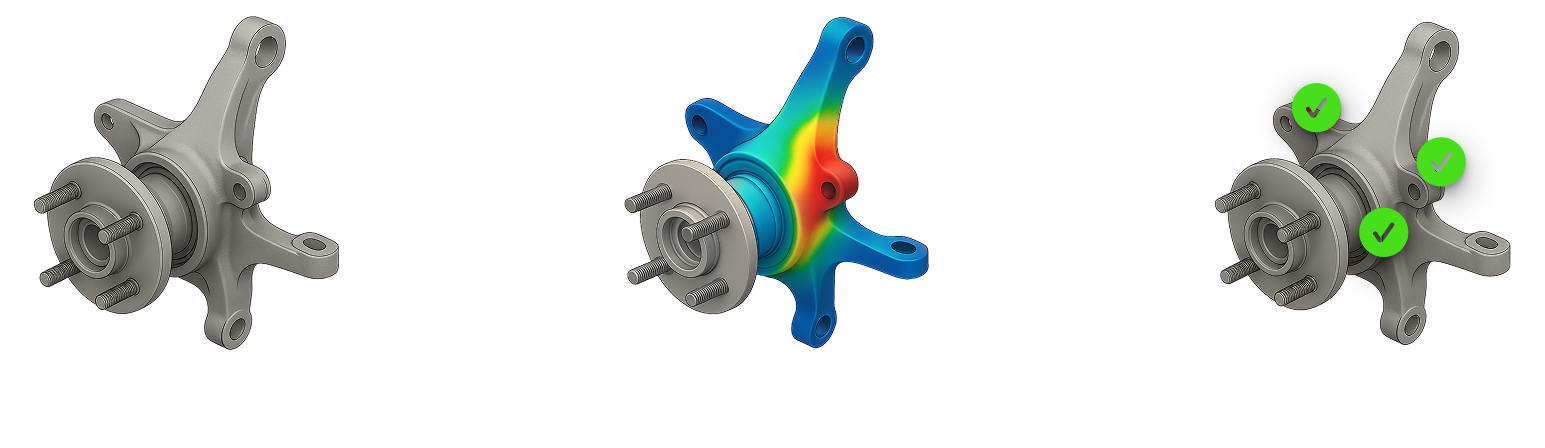
Overview
Optimisation workflows require dozens of iterations, each demanding unique engineering judgement. Engineers run simulations, analyse results, and adjust CAD in repetitive loops. This turns systematic optimisation into days of manual work, extending projects by weeks when actual simulation time is just hours.
Solution
Bench automates the previously un-automatable. You teach Bench’s engineering intelligence your optimisation workflow once: how to interpret results, what CAD changes to make, which simulation parameters to adjust.
Bench then executes the entire loop automatically, adapting each iteration while following your logic and constraints. Engineers define requirements and review progress at key decision points, freeing up time for R&D and innovation instead of manual execution.
Without Bench
Geometry Created
CAD Engineer creates the model.
Simulation Study
The CAE Engineer defeatures the model, meshes it and runs the analysis. They then check the results against the requirements, to check if the model passes. It usually doesn't, at least on the first iteration, so it has to be returned to the CAD team for iteration.
Geometry Iteration
The CAD engineer works on redesigning the geometry to increase the performance of the design.
Iteration Loop
Steps 3 & 4 are repeated until the model passes all requirements, which often takes days.
Optimal Performance - think about
The loop is stopped once the requirements are met or (or you hit time or budget constraints.
How Bench Solves This
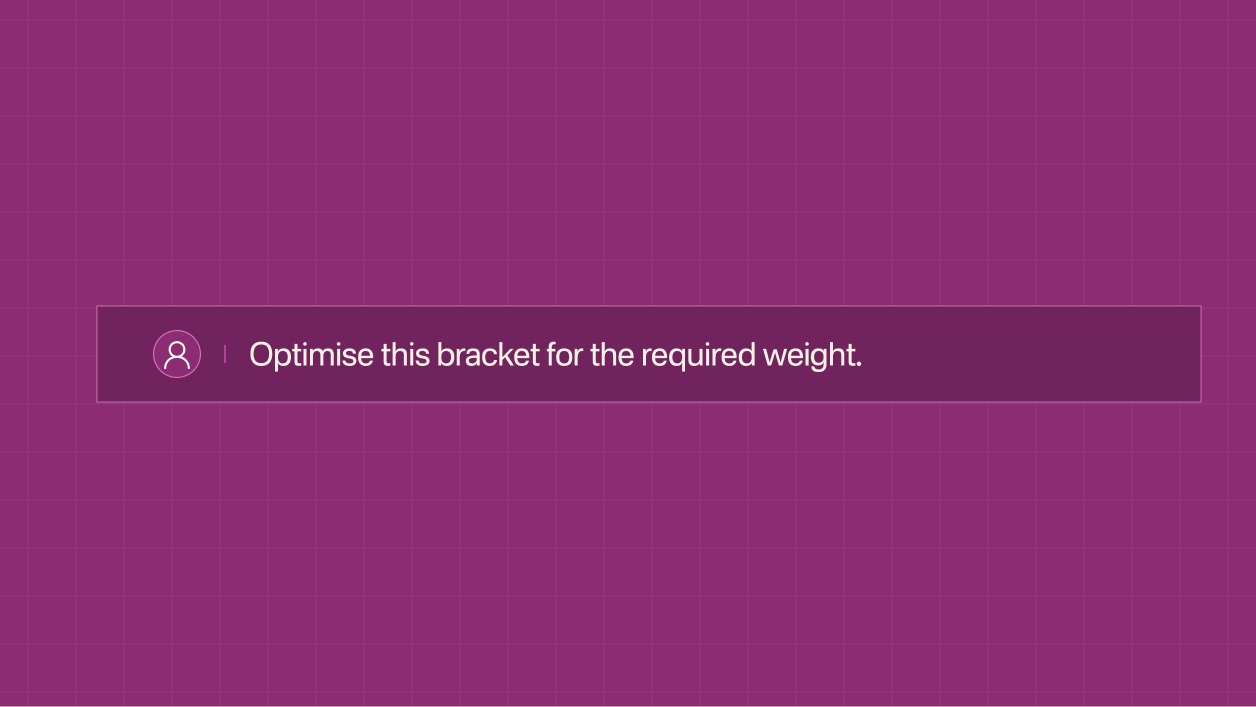
Prompt the Intent
Use natural language to describe what you want to do — e.g. “Optimise this bracket for the required weight”
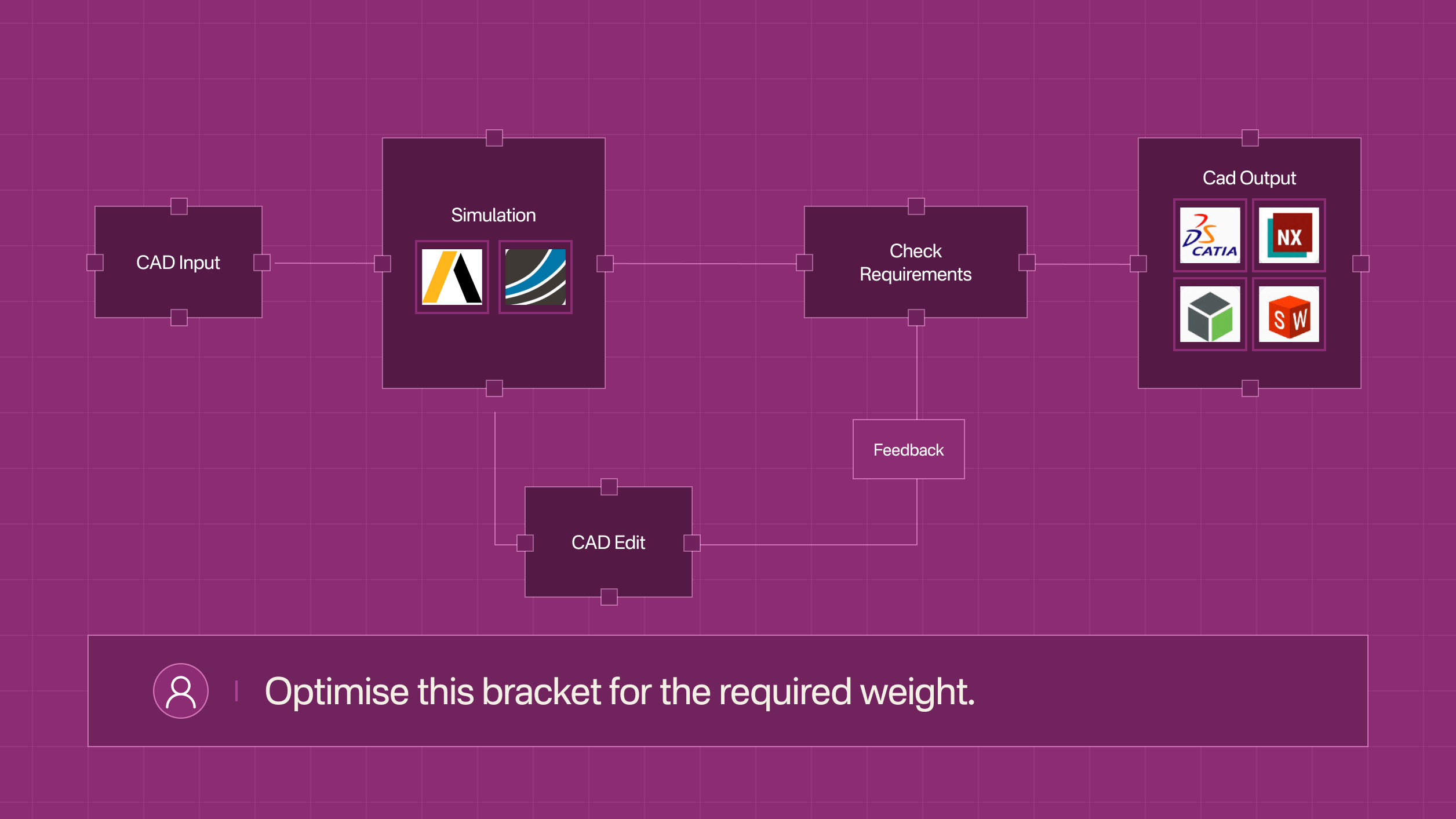
Autonomous CAD → CAE loop
Bench edits geometry (both parametric and non‑parametric edits are supported), runs simulations, interprets results, and iterates the design.
Optimised Design
Bench stops when requirements are met and returns a simulation‑validated CAD model.
Integrations Supported


Onshape
Integrate with OnShape for seamless design collaboration and real-time updates across your team.

Solidworks
Utilize Solidworks to enhance your design workflow with powerful simulation and modeling capabilities.

Catia
Use Catia for smart engineering design and product management, helping teams create innovative solutions for today’s industries.

SiemensNX
Integrate SiemensNX to optimize your engineering processes with cutting-edge design tools.

ANSYS
Use ANSYS for simulation solutions that boost innovation and efficiency, letting engineers test their designs virtually before production.

SimScale
Integrate with SimScale’s world-class cloud-native AI and simulation workflows.
Similar Use Cases
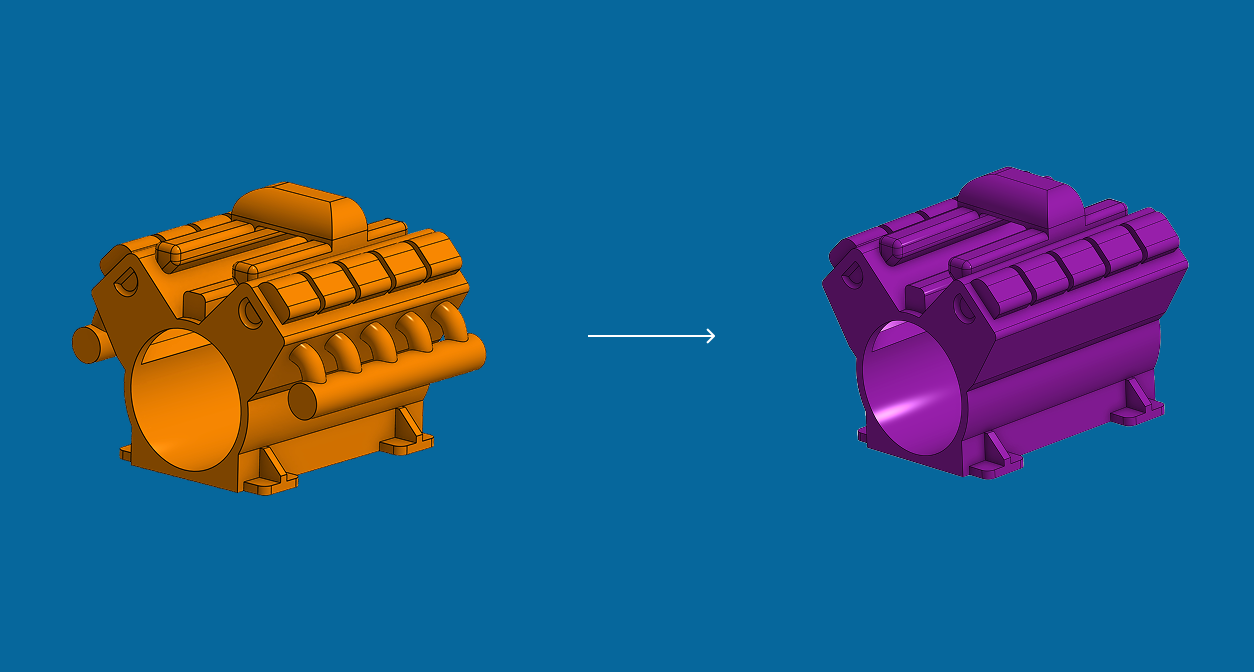
Geometry Preparation for Simulation
Remove the manual Geometry preparation bottleneck so that your CAE teams can run more iterations at the same time.

.svg)
Autonomous Optimisation
Accelerate design cycles by automating menial CAD edits. Enable your engineers to focus on high-leverage tasks instead.
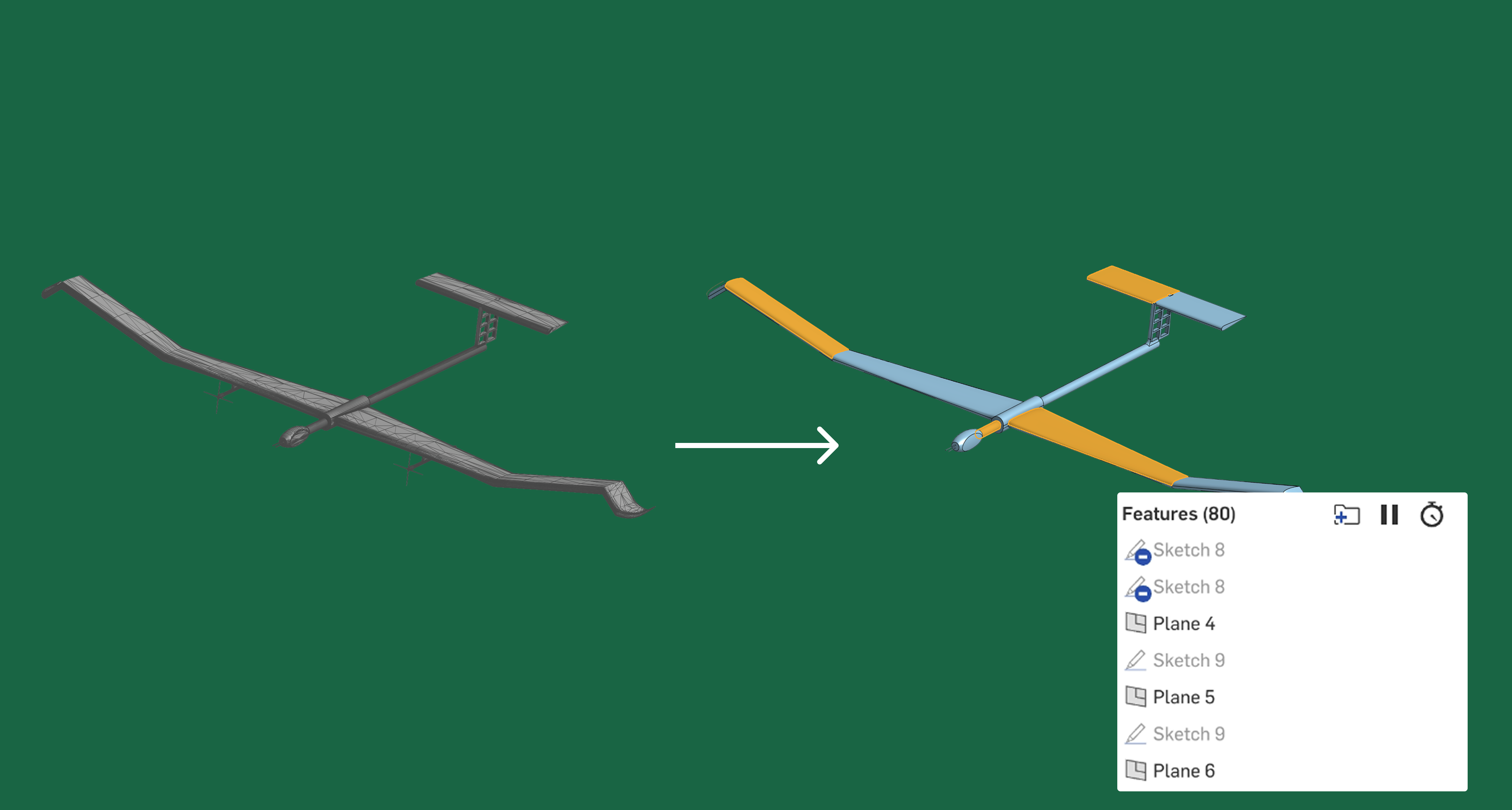
STL to Parametric CAD
Autonomously rebuild scanned and mesh models as fully parametric parts, giving engineers clean, editable CAD.
Want to see a live demo?
Book a call - one of our founders will show you what you can achieve with Bench.
Request a Demo

Request a Demo

